Preview
Designed for clarity
A dark, focused interface that puts your energy data front and center.
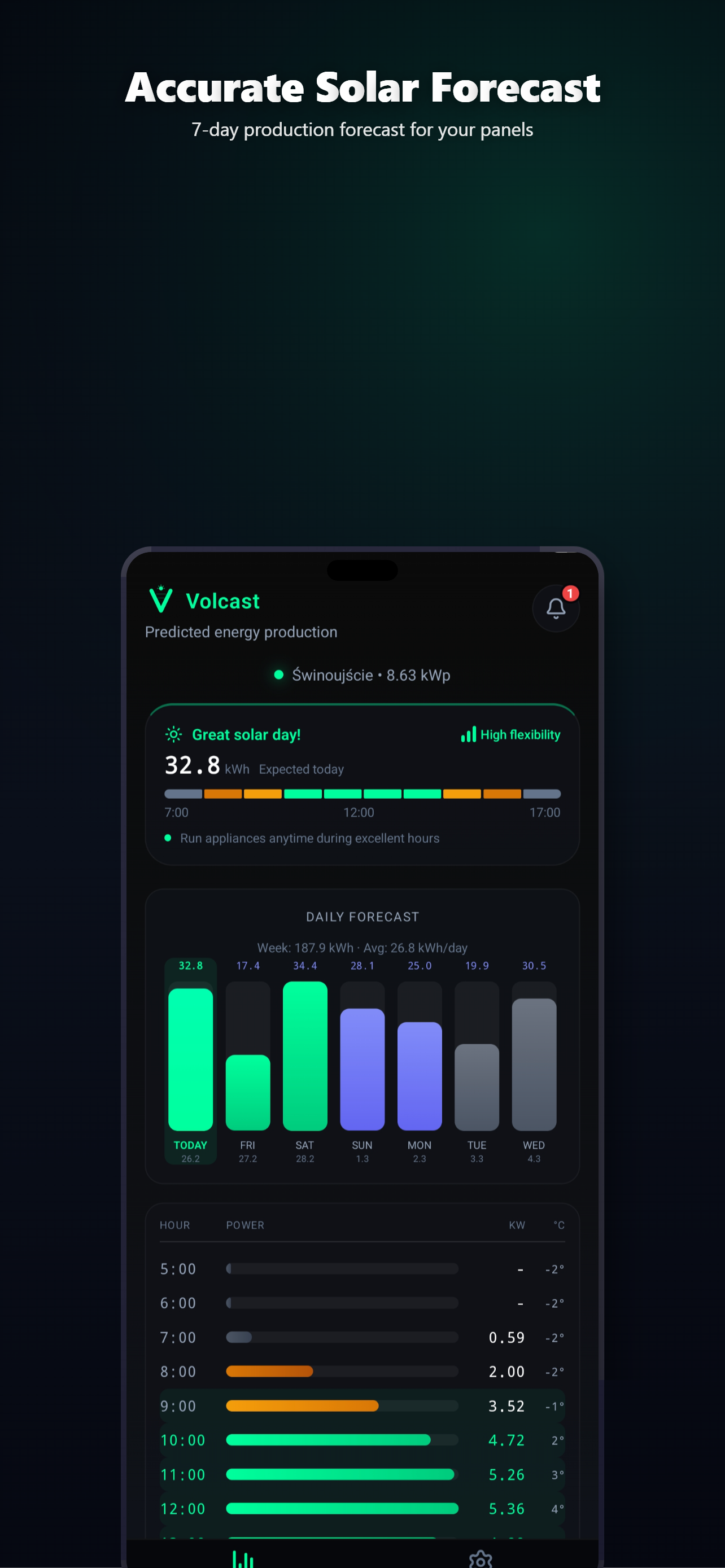
Advanced Physical Engine. No inverter cloud login. No API keys. Enter your panel parameters — azimuth, tilt, peak power — and get precision forecasts powered by satellite data and physics.
Available on Android. iOS coming soon.
Features
No inverter cloud login or API keys required. Just enter your system parameters and let physics do the work.
Hourly and daily PV production forecasts using a full irradiance model, spectral corrections, and real satellite weather data. No hardware connection needed.
Log your actual production and the Kalman filter learns your system over time. The more data points, the more precise the predictions become.
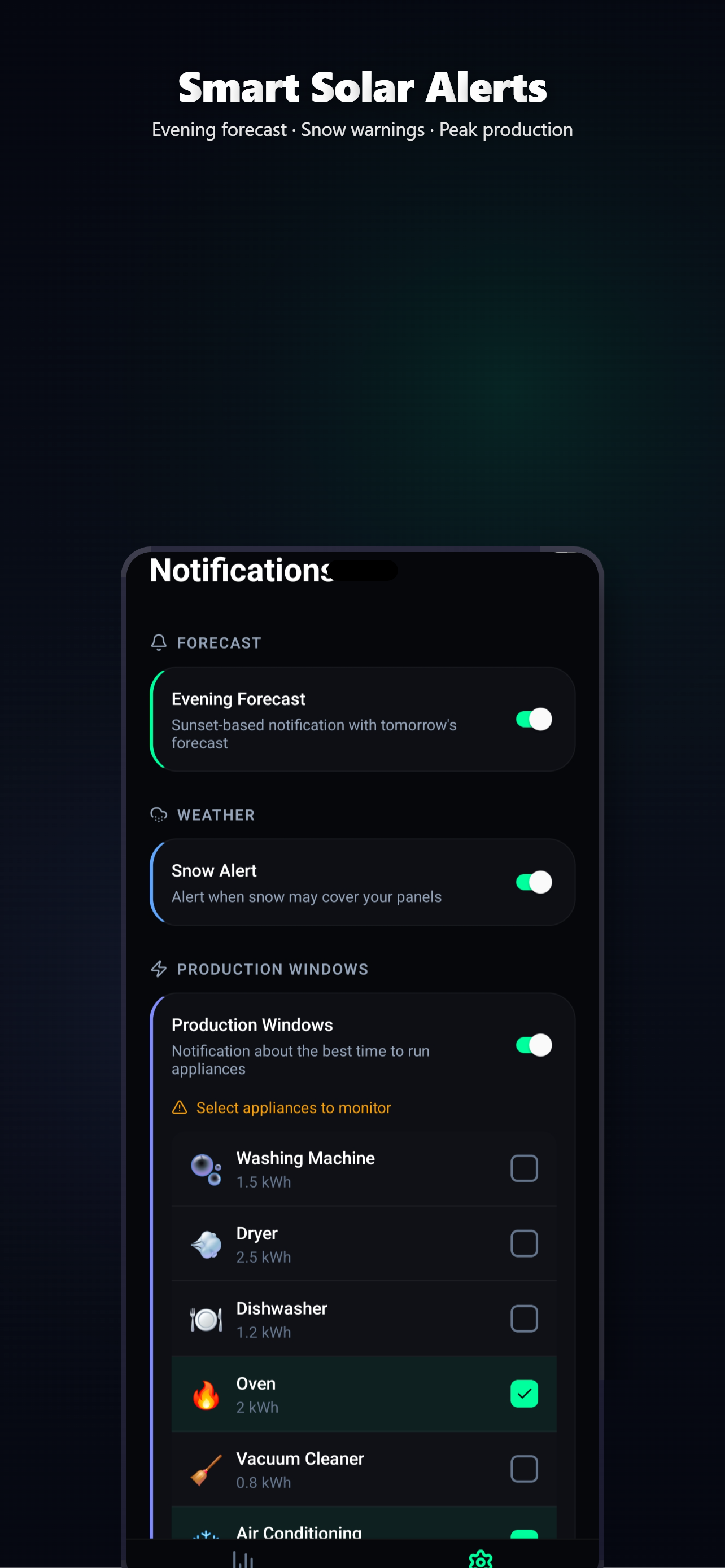
Get alerted when tomorrow's forecast changes significantly or when it's the best time to run heavy appliances. Never miss a sunny window.
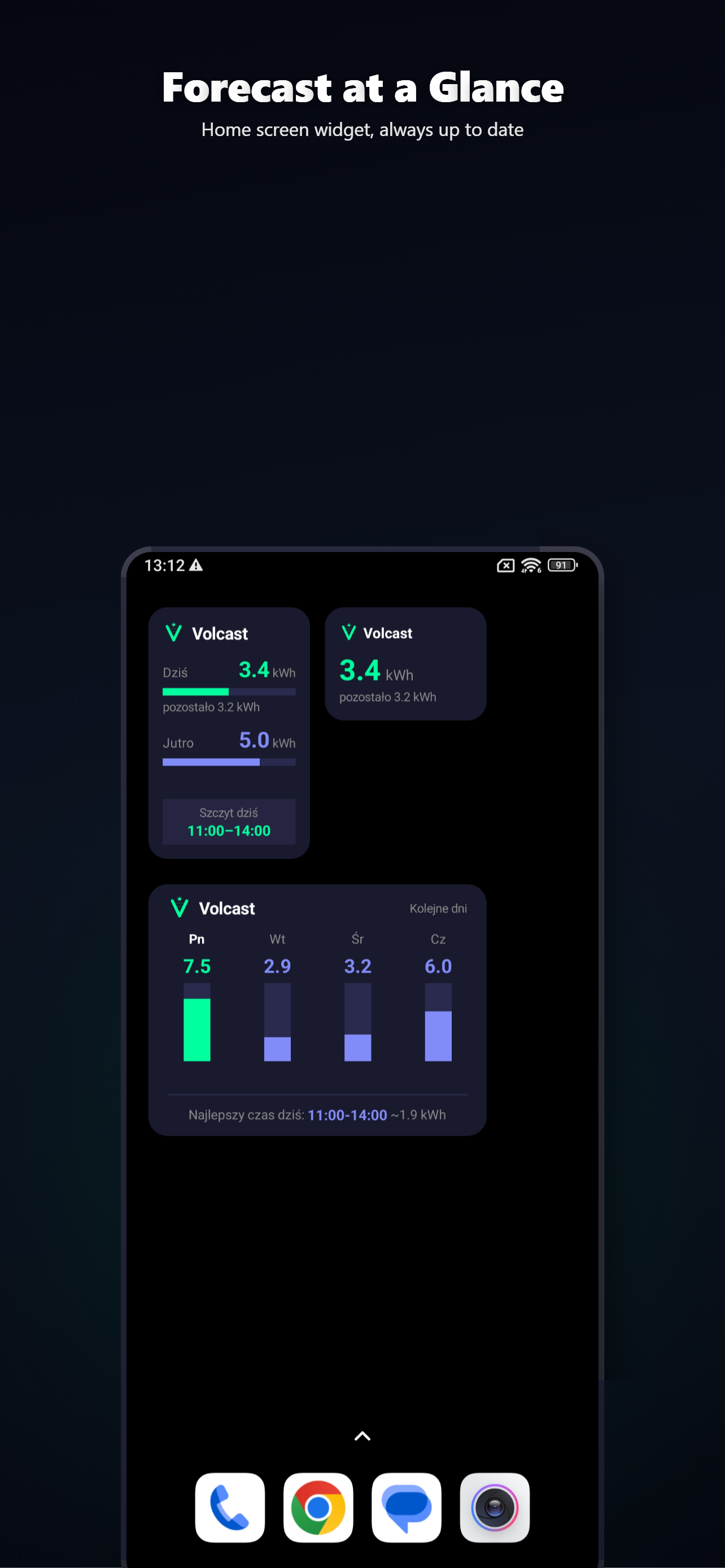
Glanceable widgets for Android and iOS showing today's forecast, tomorrow's outlook, and a multi-day overview — without opening the app.
How it works
No inverter login. No cloud API. Just describe your panels and start forecasting.
Azimuth, tilt angle, peak power, multi-string setup, bifacial factor, and horizon shading profile. That's all we need.
Volcast combines satellite weather data with the physical model of your system to predict hourly and daily production.
Log actual production and the model auto-calibrates. Set up notifications and widgets to stay ahead.
Preview
A dark, focused interface that puts your energy data front and center.
Install the official HACS integration for the best experience — Energy Dashboard, live power sensor, peak production alerts, and automatic updates. Or use the REST API directly for custom setups.
Generate your API key in the Volcast app (Premium). No hardware access, no cloud polling — the data comes directly from the Volcast engine.
Included sensors
# Single API call returns daily + hourly + 5-min data
curl -H "X-API-Key: vk_your_api_key" \
  "https://volcast.app/api/forecast"
{
  "state": 12.4,
  "unit_of_measurement": "kWh",
  "attributes": {
    "forecast": {
      "2026-03-17": { "energy_kwh": 12.4, "peak_w": 3200 },
      "2026-03-18": { "energy_kwh": 8.1, "peak_w": 2800 }
    },
    "hourly": { /* 24 hourly entries per day */ },
    "detailed": { /* 288 five-minute entries per day */ },
    "api_version": 2
  }
}
No analytics, no telemetry, no behavioral profiling. Your usage data stays on your device.
No banners, no interstitials, no sponsored content. Ever. One-time purchase, no subscriptions.
Volcast never connects to your inverter or any hardware. All forecasts are computed from satellite weather data and your panel parameters.
Get Volcast
Available now on Android. Join the iOS waitlist to be notified on launch day.
Join the iOS waitlist and be the first to know when Volcast launches on iPhone.
No spam. We only email once — on launch day.
✓ You're on the iOS waitlist! We'll notify you on launch day.
FAQ